


Introduction
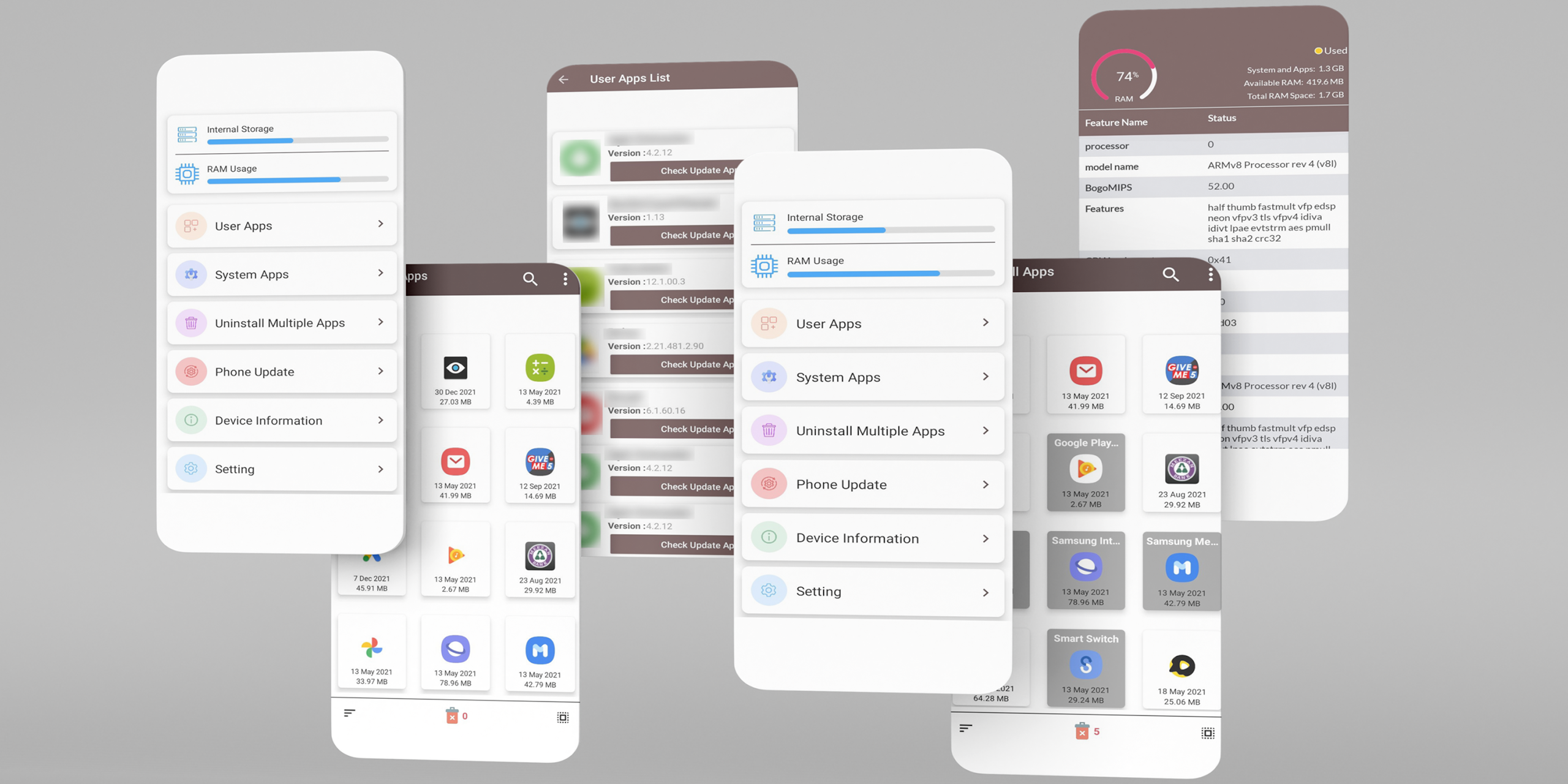
Update All Apps Phone Updater is a practical utility app designed to help users keep all their mobile applications up to date with a single tap. In Update All Apps Phone Updater, you can monitor installed apps, check for the latest versions, and update them quickly to ensure optimal performance and security. With a simple interface and efficient functionality, Update All Apps Phone Updater provides a convenient way to manage app updates on your device.
Features of Update All Apps Phone Updater:
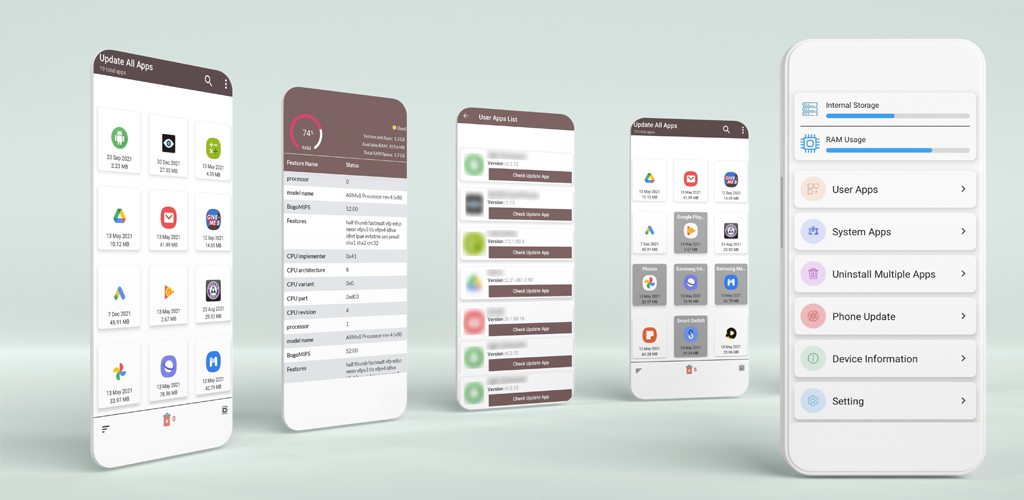
1. The app scans your device for installed applications and identifies those with available updates.
2. Update All Apps Phone Updater allows you to update all apps at once or selectively choose which apps to update.
3. Users receive notifications when new app updates are available to keep their device current.
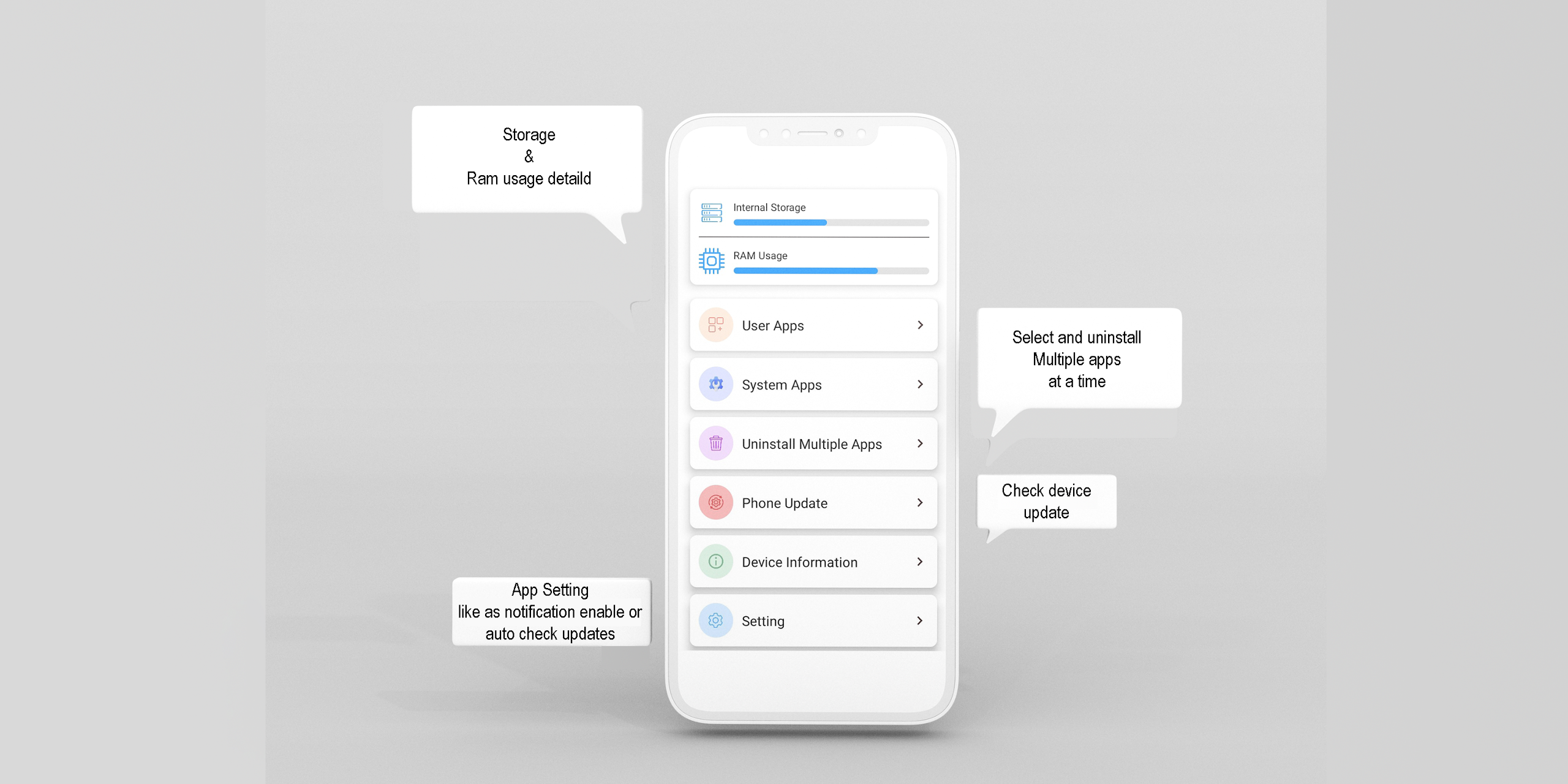
4. The interface is simple and intuitive, making it easy to monitor and manage multiple apps efficiently.
5. The app ensures that all updates are applied safely, helping maintain device performance and security.
Playing Tips:
1. Regularly check for app updates in Update All Apps Phone Updater to ensure your device runs smoothly.
2. Enable notifications to stay informed about new updates as soon as they are available.
3. Use the “update all” feature for convenience, especially when multiple apps require updates.
4. Review app permissions during updates to ensure security and privacy.
5. Keep your device connected to Wi-Fi during bulk updates to save mobile data and ensure faster downloads.
Conclusion:
Update All Apps Phone Updater simplifies app management by providing a fast, convenient, and secure way to keep all your applications up to date. With its user-friendly interface, notifications, and one-tap updates, it ensures optimal app performance and device security. If you want an efficient solution for managing app updates, Update All Apps Phone Updater is an excellent choice.
- No virus
- No advertising
- User protection
Information
- File size: 5.52 M
- Language: English
- Latest Version: 1.17
- Requirements: Android
- Votes: 487
- Package ID: com.update.software.intouchStudio
- Developer: InTouch Studio
Screenshots







Comment